Channel 01
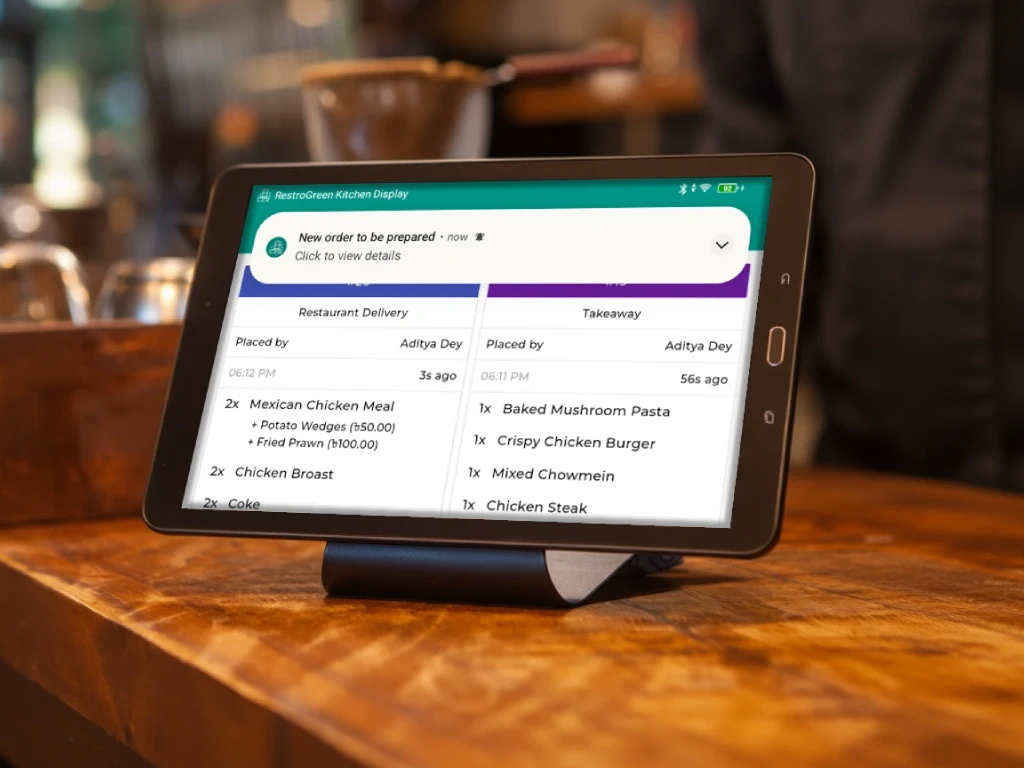
Get notified when new orders arrive
Receive instant alerts for incoming orders so kitchen teams can begin preparation without unnecessary delays.

Digitize order management, boost efficiency, and ensure faster service with real-time updates.
Turn kitchen chaos into a structured workflow with organized order queues, real-time updates, and clear preparation instructions.
Direct dishes to the correct preparation points like grill, bar, appetizer, or main kitchen for smoother coordination.
Send orders automatically from the main KDS to relevant kitchen stations to keep preparation organized and efficient.
Separate dine-in, takeaway, delivery, and online orders to help teams prepare and prioritize requests accurately.
Keep every completed order searchable with preparation insights and service-specific records for better reporting and performance tracking.
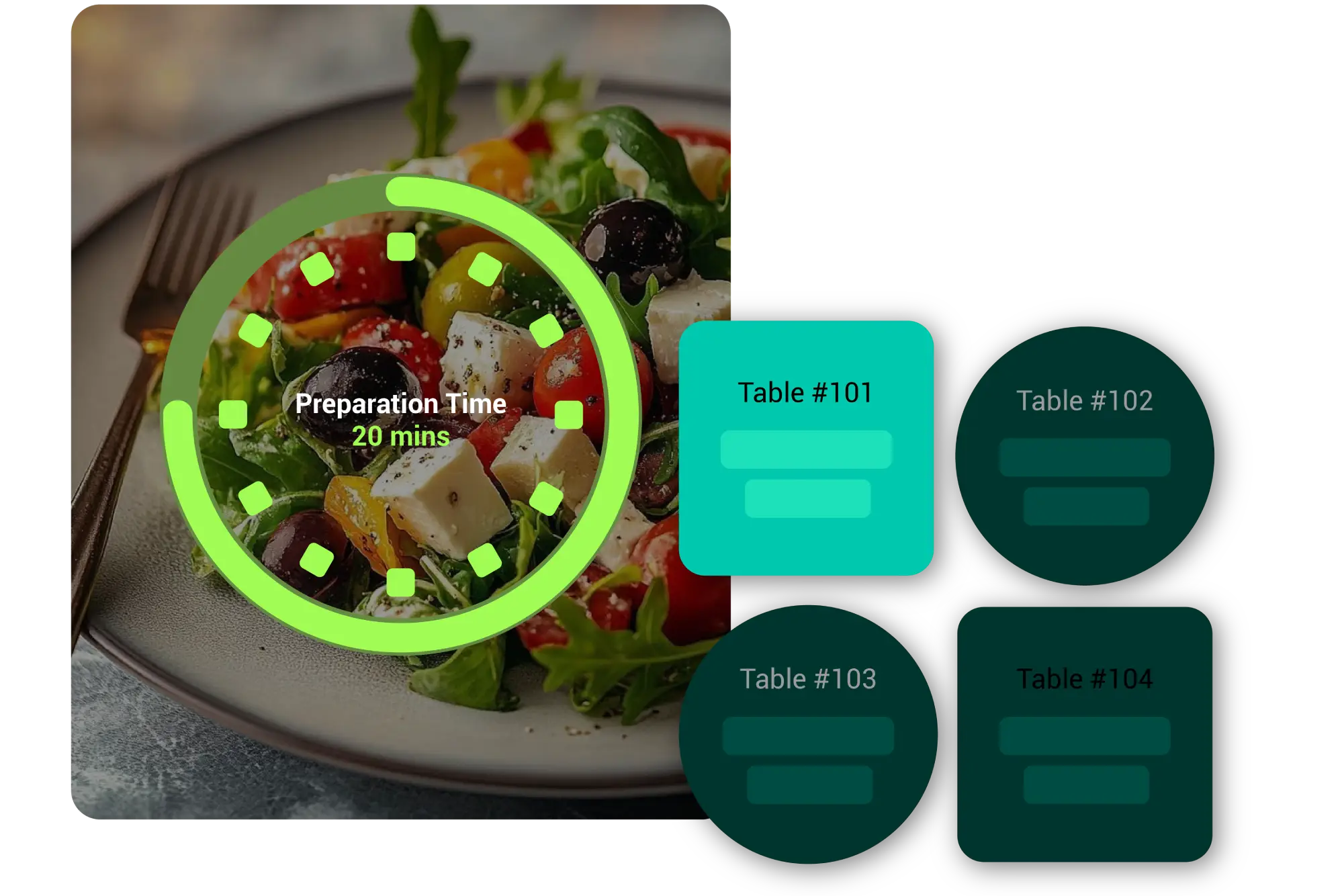
Receive instant alerts for incoming orders so kitchen teams can begin preparation without unnecessary delays.
Get real-time notifications when ongoing orders are updated to keep preparation accurate and kitchens fully aligned.
Real restaurant owners sharing how RestroGreen Waiter App supports their kitchens, counters, and teams.
Take your restaurant management to the next level with our cross-platform applications. Whether you need the mobility of Android for your staff or the power of Windows for your billing counter, our solutions keep your kitchen and front-of-house perfectly synced.
Stay connected with us


© 2026, Quickly Services. All rights reserved.


